🌐 Home Networking Services
Reliable Network Setup and Support for the Modern Home
Handyman home networking services focus on setting up, organizing, troubleshooting, and upgrading basic home network systems. As smart homes and internet-connected devices become more common, reliable network infrastructure is essential for smooth operation. A skilled handyman can assist homeowners with the physical and basic technical aspects of networking, making home Wi-Fi and wired connections more stable, secure, and efficient—especially for everyday users who need a practical setup without complex enterprise-grade systems.
🛠️ 1. Network Setup and Installation
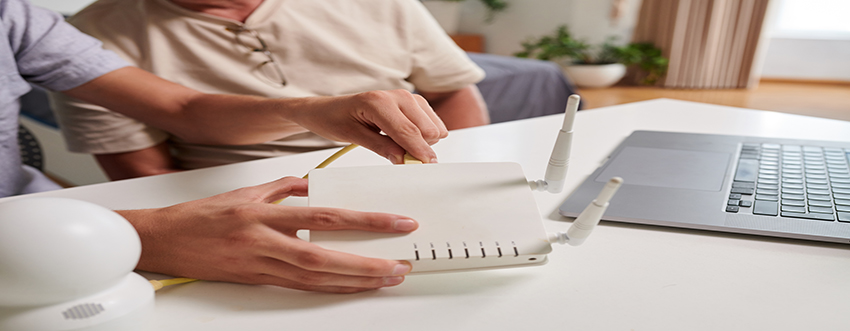
A. Wi-Fi Router Setup
- Router Installation: Connecting and configuring new or replacement routers and modems provided by the homeowner or ISP.
- Optimal Placement: Identifying the best physical location for the router to maximize coverage and minimize interference.
- Basic Configuration: Assisting with router login, setting SSID (network name), passwords, and basic firewall settings.
B. Range Extension
- Wi-Fi Extender Installation: Installing plug-in or desktop Wi-Fi extenders to boost signal coverage in dead zones.
- Mesh Network Setup: Assisting with the installation and setup of mesh systems for whole-home coverage using products like Google Nest, Eero, or Netgear Orbi.
C. Ethernet and Wired Network Setup
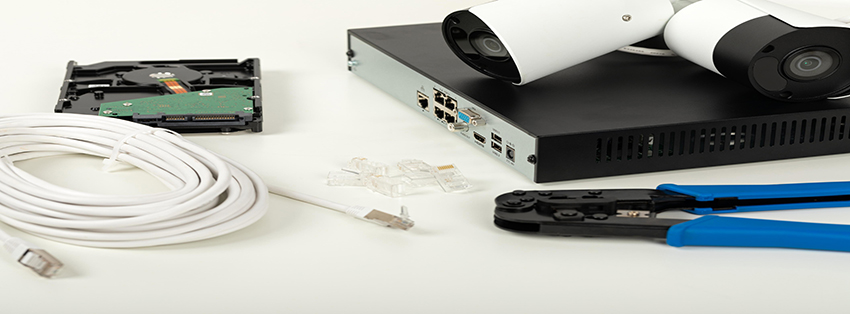
- Ethernet Cable Installation: Running Cat5e/Cat6 cables through walls, under floors, or along baseboards for hardwired connections to PCs, smart TVs, and gaming systems.
- Wall Jack Installation: Installing RJ45 wall plates for clean, permanent Ethernet access points.
- Network Switch Setup: Connecting and configuring unmanaged switches to expand available Ethernet ports.
📱 2. Device Connectivity and Configuration
A. Smart Home Device Setup
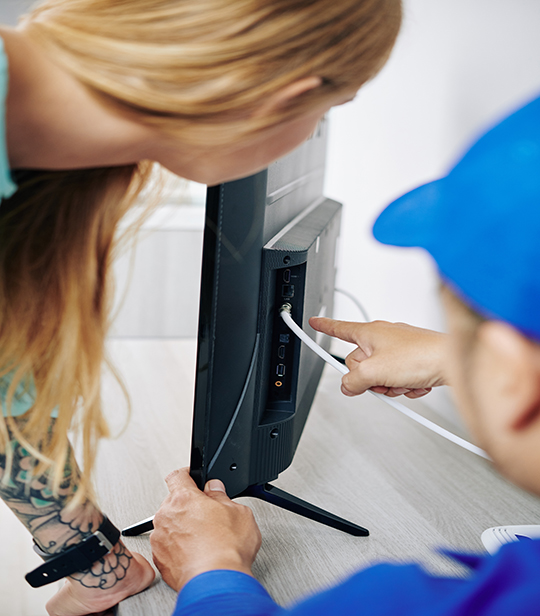
- Smart TVs, Speakers, and Hubs: Connecting and configuring Wi-Fi-enabled entertainment devices.
- Security Cameras and Doorbells: Installing and linking smart surveillance systems like Ring, Arlo, or Nest.
- Thermostats, Plugs, and Lights: Assisting with the setup of smart home automation via apps or voice assistants (Alexa, Google Assistant).
B. Printer and Peripheral Connection
- Wireless Printer Setup: Connecting wireless printers to the network and ensuring driver installation on devices.
- Networked Storage (NAS): Setting up basic home servers or NAS devices for media sharing and backups.
⚙️ 3. Troubleshooting and Optimization
A. Connectivity Issues
- Dead Zones: Diagnosing signal drop-offs and recommending solutions such as repositioning or using extenders.
- Slow Speeds: Identifying causes of lag (device overload, outdated equipment, channel interference) and improving throughput.
- Dropped Connections: Ensuring firmware updates, resolving IP conflicts, and resetting devices.
B. Security Enhancements
- Password Updates: Helping homeowners set or change strong Wi-Fi and router admin passwords.
- Guest Networks: Setting up secure, isolated guest networks for visitors.
- Parental Controls: Assisting with the configuration of content filtering and time-based access rules.
🧰 4. Organizational and Aesthetic Improvements
- Cable Management: Tidying up Ethernet cables, power cords, and accessories with clips, sleeves, or raceways.
- Equipment Mounting: Mounting routers, switches, or smart hubs on walls or furniture for improved aesthetics and accessibility.
- Labeling: Labeling ports, devices, and jacks to simplify future maintenance or expansion.